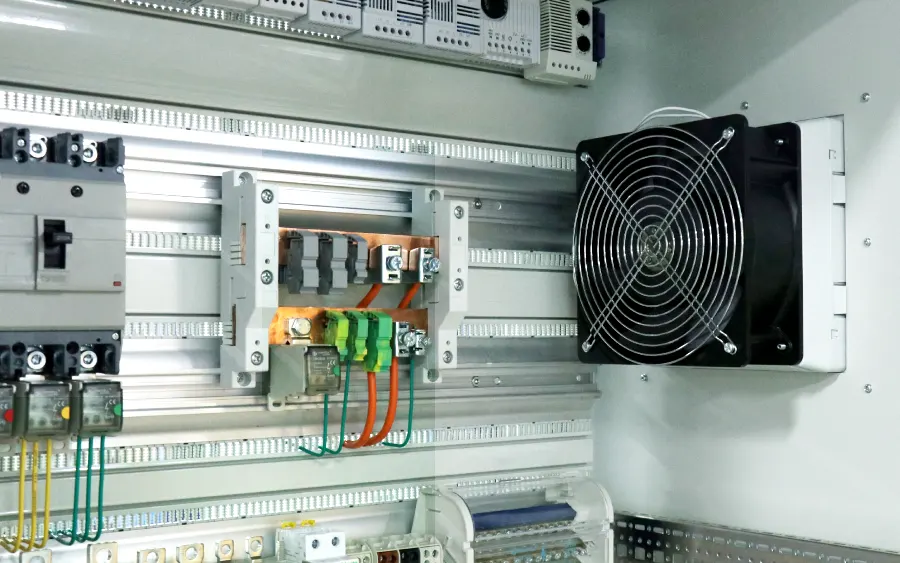
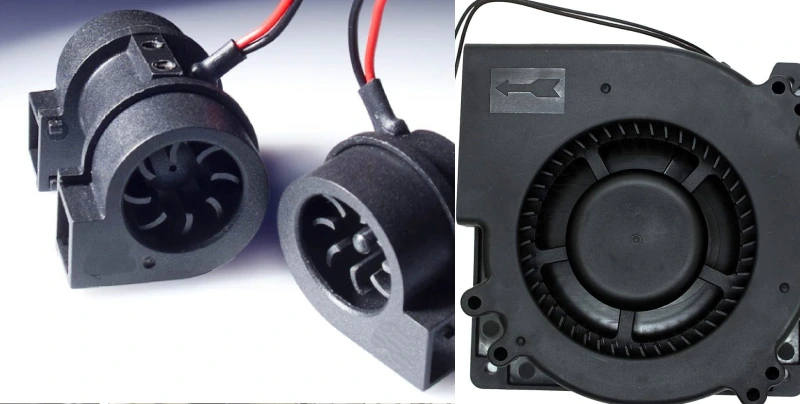
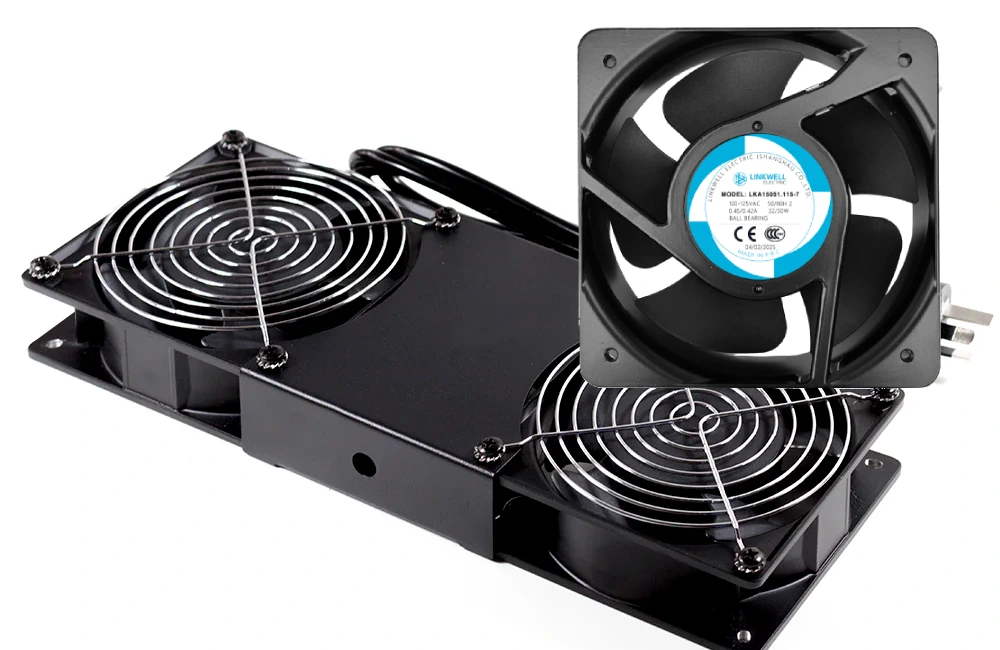
You might not realize how much DIN rail components shape the way control cabinets handle heat. When you pick the right parts and arrange them well, you boost management for cooling and reliability. Here’s what happens when management gets it right:
- Devices stay secure, so vibration does not cause damage.
- Good layouts improve airflow and heat management, which means control cabinets last longer.
- Neat setups make management and troubleshooting easier.
How Do DIN Rail Components Affect Cabinet Thermal Management? Linkwell’s cabinet solutions help you keep management simple and effective.
Key Takeaways
- Choose the right DIN rail components to improve airflow and heat management in control cabinets.
- Space electronic devices apart to enhance heat transfer and prevent overheating.
- Use materials like aluminum for enclosures to ensure effective heat dissipation.
- Regularly maintain cooling systems by cleaning filters and checking for blockages to extend equipment lifespan.
- Consider using Linkwell’s cooling solutions, like air conditioners and fans, for better temperature control.
DIN Rail Heat Generation and Management
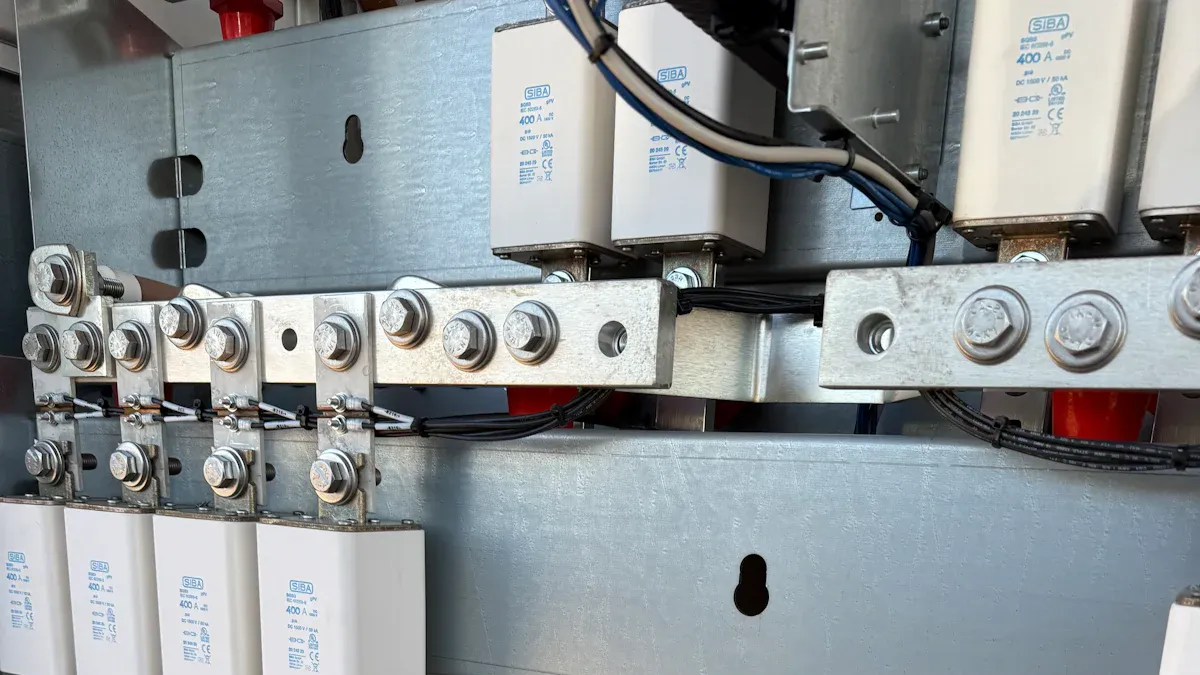
Types of Heat from DIN Rail Components
When you open a control cabinet, you see rows of electronic components mounted on DIN rails. These electronic components create heat as they work. Some heat comes from power supplies, relays, and heaters. Other heat comes from transformers, switches, and even small devices like thermostats. Heaters inside cabinets help keep the temperature stable, but they also add more heat to the space. If you use fan heaters, they push warm air around, which can raise the temperature even more.
You need to think about how heat moves inside cabinets. Heat transfer happens in three ways: conduction, convection, and radiation. Metal DIN rails, like those from Linkwell, help transfer heat away from electronic components. Good heat transfer keeps temperature under control and protects sensitive electronic components. If heat builds up, it can damage electronic components and shorten their life.
Industry standards help you manage heat in cabinets. Here are some important guidelines:
- IEC 61010-1 covers safety for electrical equipment in measurement and control.
- IEC 60950-1 sets rules for information technology equipment.
- IEC 60601-1 focuses on medical electrical equipment.
- IEC 62368-1 covers audio, video, and communication technology.
Component Density and Power Ratings
The number of electronic components you install on a DIN rail affects heat. If you pack heaters, relays, and transformers close together, heat transfer slows down. High density means less space for air to move, so temperature rises quickly. You should check the power ratings of each device. Devices with high power ratings create more heat. If you use several heaters or high-power relays, you need to plan for extra cooling.
Try to space electronic components apart. This helps heat transfer and keeps temperature lower. You can use Linkwell’s corrosion-resistant DIN rails to improve heat transfer. If cabinets get too hot, add fan heaters or cooling fans. These help move heat out and keep temperature safe for electronic components. Always follow manufacturer guidelines and industry standards to keep cabinets cool and reliable.
How Do DIN Rail Components Affect Cabinet Thermal Management?
Airflow and Placement in Enclosures
You might wonder, how do din rail components affect cabinet thermal management? The answer starts with airflow. When you arrange devices inside an enclosure, you control how air moves and how heat escapes. If you stack devices too close together, air cannot flow freely. Heat gets trapped, and your cabinet heats up fast.
Here’s what happens when you pay attention to placement:
- Airflow and heat dissipation prevent overheating in DIN rail enclosures.
- Stable temperatures help your equipment last longer.
- Ventilation slots and fan-filter units improve heat dissipation.
If you mount devices vertically, warm air rises and escapes more easily. Horizontal mounting can block airflow, especially if you pack devices tightly. You want to leave space between devices so air can move around each one. Linkwell’s enclosures make this easier. You can choose models with built-in ventilation slots or add fan-filter units. These features help you protect your investment and keep your system reliable.
Many enclosures from Linkwell are engineered for advanced thermal management. You get options like heat-dissipating materials, ventilation slots, and optional cooling fans. These features regulate internal temperatures, which is critical when your system runs for long hours or handles heavy loads.
Tip: Always check your enclosure for airflow paths. If you see blocked vents or crowded devices, rearrange them. Good airflow means better thermal management and fewer breakdowns.
Grouping High-Heat Devices
Now, let’s talk about grouping. How do din rail components affect cabinet thermal management when you put high-heat devices together? If you group power supplies, VFDs, or controllers in one spot, you create a hot zone. This can lead to localized overheating and shorten the lifespan of your equipment.
Take a look at this table. It shows how temperature increases can reduce the lifespan of common devices:
| Component | Nominal Temp. Rating | Lifespan Reduction at +10°C | Lifespan Reduction at +20°C |
|---|---|---|---|
| PLC/Controller | 25°C (77°F) | 50% | 75% |
| Variable Frequency Drive | 40°C (104°F) | 50% | 75% |
| Power Supply | 40°C (104°F) | 50% | 75% |
| Capacitor | 25°C (77°F) | 50% | 75% |
If you want advanced thermal management, spread out high-heat devices. Place them near ventilation slots or cooling fans. You can use Linkwell’s fan-filter units or cabinet air conditioners for extra cooling. These products help you control temperature and avoid hot spots.
Linkwell’s DIN rail solutions also support advanced thermal management with smart design features:
| Function | Purpose | Example Feature |
|---|---|---|
| Thermal Management | Prevents overheating or condensation | Fans, heaters, air conditioners |
| Airflow Control | Ensures dust-free airflow | Fan filter units (FFUs) |
How do din rail components affect cabinet thermal management? You control heat by arranging devices, spacing them out, and using the right enclosure features. When you use Linkwell’s products, you get options for advanced thermal management that keep your system safe and reliable.
Material and Design for Effective Management
Rail and Enclosure Thermal Conductivity
When you choose materials for your cabinet, you set the stage for how well it handles heat. Metal rails and enclosures move heat away from electronics much faster than plastic ones. Take a look at this table to see how different materials compare:
| Material Type | Thermal Conductivity (W/(m·K)) |
|---|---|
| Plastic Enclosures | 0.1 – 0.5 |
| Aluminum Enclosures | 200 – 240 |
| Steel Enclosures | 40 – 50 |
Aluminum enclosures and rails work best for heat dissipation. Steel also does a good job, but plastic traps heat. If you use Linkwell’s corrosion-resistant DIN rails, you get strong thermal management features that help keep your cabinet cool. High temperatures can cause your components to age faster, lose performance, or even create safety risks. You want to avoid these problems by picking the right materials.
Tip: Always match your enclosure’s material to your cooling needs. If your system runs hot, go with aluminum or steel for better heat control.
Din Rail PCB Enclosure Considerations
Now, let’s talk about how the din rail pcb enclosure can help you manage heat. When you use a din rail pcb enclosure, you get more than just a place to mount your electronics. You also add thermal management features that protect your system. These enclosures often come with ventilation slots, fan-filter units, or even air conditioners. You can use these features to regulate temperature, prevent condensation, and extend the life of your equipment.
Here’s what a good din rail pcb enclosure does for you:
- Regulates internal temperature to avoid thermal stress
- Prevents condensation and corrosion
- Extends the lifespan of both the enclosure and internal equipment
- Reduces maintenance costs and system downtime
- Maintains safe operating conditions
Proper ventilation is key. If you block airflow, heat builds up and your electronics suffer. Every time the temperature inside your din rail pcb enclosure rises by 18°F, the reliability of your components drops by half. That’s why you need to pay attention to airflow and cooling accessories. Linkwell offers ventilation systems and cooling fans that fit right into your din rail pcb enclosure. These thermal management features keep your system running smoothly.
When you design your cabinet, review the temperature ratings for all equipment. Make sure your din rail pcb enclosure meets the highest requirement. Use vents, fans, or air conditioners if simple airflow isn’t enough. You want to keep dangerous gases out and prevent dust from causing problems. With the right design, your din rail pcb enclosure will protect your electronics and keep everything safe.
Optimizing Cabinet Cooling with Linkwell Solutions
Selecting Low-Heat Components
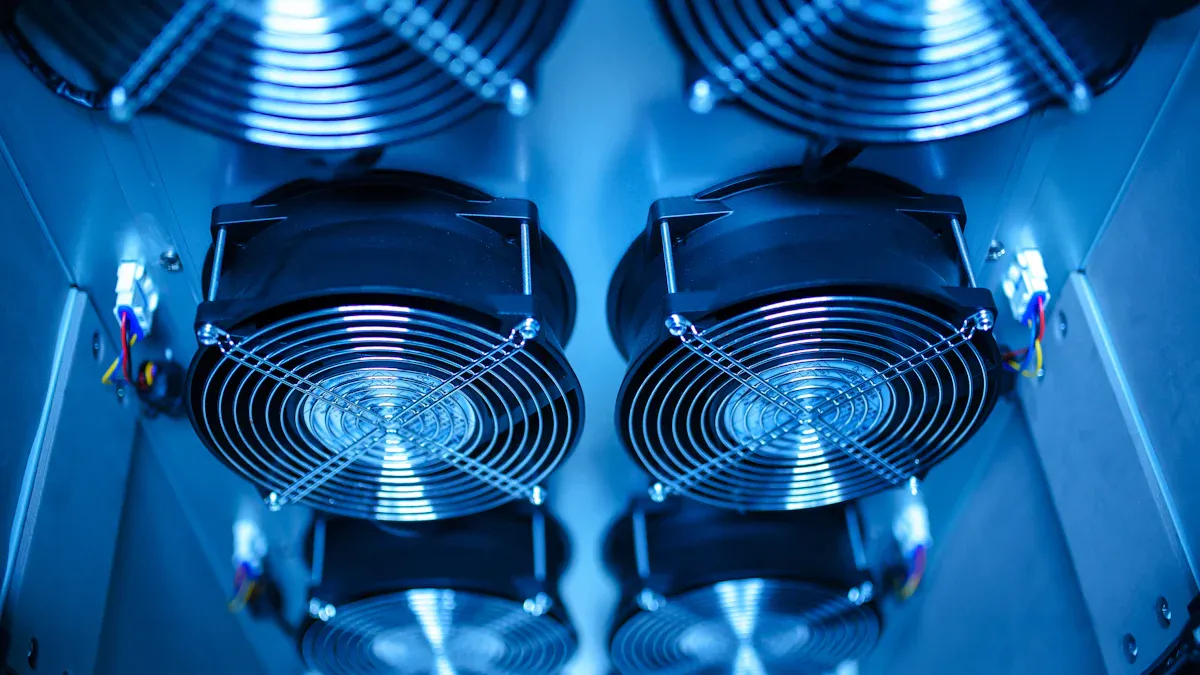
You want your cabinet to run cool and stay reliable. Start by choosing low-heat components. Look for devices with lower power ratings and high efficiency. These components produce less heat, which makes temperature control easier. When you select enclosure heaters, pick models that regulate heat output and avoid unnecessary temperature spikes. Heaters with smart control features help maintain stable conditions without overheating your cabinet.
If you use Linkwell’s solutions, you get access to components designed for efficiency and reliability. Many industries, like data centers and manufacturing, rely on superior cooling to protect sensitive electronics. Cabinet air conditioners from Linkwell provide advanced thermal management, especially in tough environments. These units enhance cooling and keep your components safe.
Tip: Always check the specifications for each device. Choose components that match your cooling needs and avoid overloading your cabinet with high-heat devices.
Spacing, Layout, and Air Conditioner Integration
Proper spacing and layout make a big difference in cabinet cooling. Leave about 25% of the available space free to improve airflow and heat dissipation. Arrange heaters and other components so air can move around them. Use enclosures with built-in ventilation and condensation protection. Integrate thermal barriers and ventilation channels to separate hot and cool zones.
Here’s a quick table to guide your layout:
| Recommendation | Details |
|---|---|
| Leave space for heat dissipation | About 25% of the available space should be left free |
| Maximum components | Fit up to 6 signal isolation boxes per 150 mm row |
When you need extra cooling, add cabinet air conditioners. Cooling fans work well in moderate conditions, but air conditioners are essential for demanding industrial or outdoor settings. Linkwell Cabinet Air Conditioners offer superior cooling and protect your components from overheating. These units are especially important in places with high ambient temperatures or humidity.
- Use logical wiring schemes and appropriately sized wire ducts to promote airflow.
- Integrate air conditioners for precise temperature control.
- Monitor humidity and dew point to prevent condensation inside the enclosure.
Maintenance and Best Practices
Regular maintenance keeps your cooling system working at its best. Set up a routine schedule for inspecting and cleaning heaters, enclosure heaters, and other components. Clean filters and cooling towers to prevent dirt buildup, which can block airflow and reduce efficiency. Replace worn-out components before they fail.
Here’s a table showing how maintenance affects lifespan:
| Maintenance Practice | Expected Lifespan | Notes |
|---|---|---|
| Following guidelines | 20-30 years | Proper maintenance extends equipment life |
| Poor maintenance | 5-10 years | Neglect leads to early failures |
- Inspect and clean components regularly to prevent overheating.
- Replace filters and check for leaks or corrosion.
- Follow manufacturer guidelines for all maintenance tasks.
If you keep up with maintenance, your cabinet will run smoothly and last longer. Linkwell’s support team can help you set up the best practices for your system.
You shape cabinet cooling every time you choose and arrange DIN rail components. High-efficiency power supplies cut waste heat, letting you design compact cabinets and avoid extra cooling costs. Linkwell’s cooling fans and air conditioners keep temperatures safe, block dust, and lower energy bills. To keep your system reliable, follow these steps:
- Inspect cooling systems often.
- Clean vents and airflow paths.
- Use smart sensors for temperature alerts.
Stay proactive with layout, selection, and maintenance. Your cabinet will run cooler and last longer.
FAQ
How do DIN rail components affect cabinet cooling?
DIN rail components change how heat moves inside your cabinet. If you space devices well and use Linkwell’s ventilation systems, you boost airflow and keep temperatures safe.
What’s the best way to arrange high-heat devices?
Spread high-heat devices apart. Place them near fans or vents. This stops hot spots and helps your cabinet stay cool. You protect your equipment and avoid breakdowns.
Why should I choose Linkwell’s cabinet air conditioners?
Linkwell’s cabinet air conditioners offer smart controls, energy savings, and strong protection. You get reliable cooling for tough environments. Your electronics last longer and work better.
How often should I clean filters and cooling fans?
Check filters and fans every month. Clean them when you see dust or dirt. Regular cleaning keeps airflow strong and stops overheating.
Can I use DIN rails in outdoor cabinets?
Yes! Linkwell’s corrosion-resistant DIN rails work well outdoors. They resist rust and moisture. Your electrical system stays safe in harsh weather.