
If you want to keep your electrical equipment running safely and reliably, you need to get the Heat Dissipation Calculation for Electrical Equipment right. High temperatures cause more than half of electrical device failures, so calculating heat dissipation helps you avoid costly breakdowns. You just need to measure the heat produced, check enclosure size, and factor in the environment. Effective cooling and ventilation play a huge role in protecting your gear. Linkwell gives you trusted solutions for keeping your equipment cool and extending its life.
- Over 55% of failures in electrical devices come from temperature issues.
- Proper calculations and cooling keep components safe and working longer.
Heat Dissipation Calculator (Quick Estimate)
To quickly estimate heat dissipation, you can use this simplified method. In most electrical equipment, nearly all input power is eventually converted into heat.
Formula:
Heat Dissipation (BTU/hr) = Power (W) × (1 – Efficiency) × 3.41For example, a 500W device with 90% efficiency generates:
500 × (1 – 0.9) × 3.41 = 170.5 BTU/hr
Key Takeaways
- Overheating causes more than half of electrical device failures. Calculate heat dissipation to prevent costly breakdowns.
- Use the formula (1 – η) x 3.41 x Watts = BTU/hr to determine how much power turns into heat. Efficiency ratings are crucial for accurate results.
- Consider factors like enclosure size, equipment density, and environmental conditions when calculating heat dissipation. These elements affect cooling needs.
- Linkwell offers reliable cooling solutions, such as air conditioners and fans, to help manage heat dissipation effectively in various environments.
- Regularly check and maintain your cooling systems. Clean filters and monitor temperatures to ensure your equipment runs safely and efficiently.
Recommended products
-
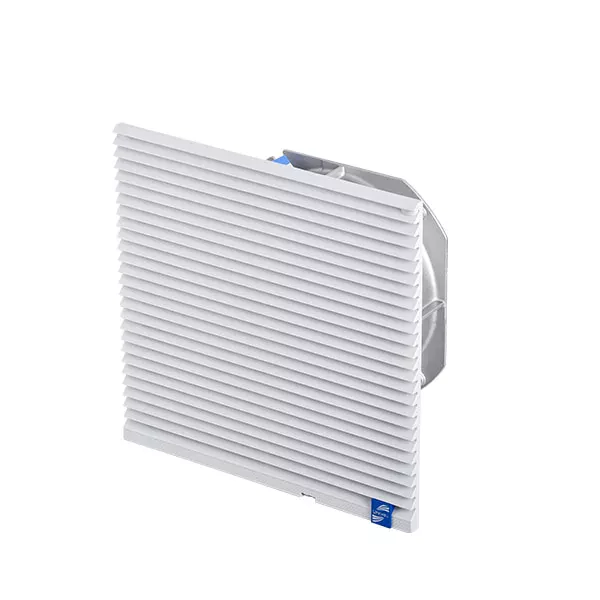
CE ROHS Certified LK6626 Series Fan And Filter
-
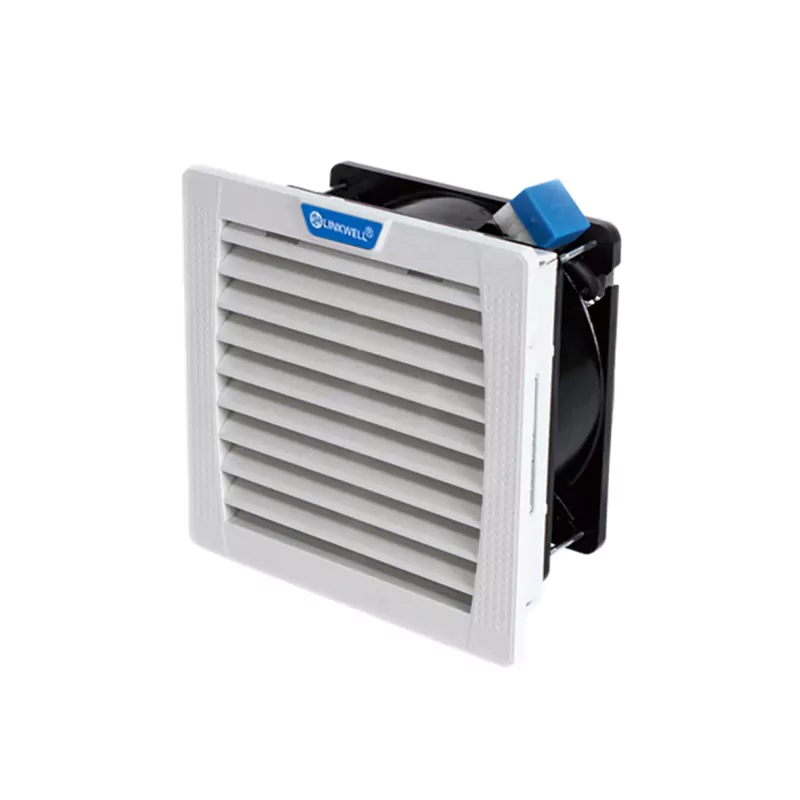
FF145-High Temperature Resistant Fans And Filters
-
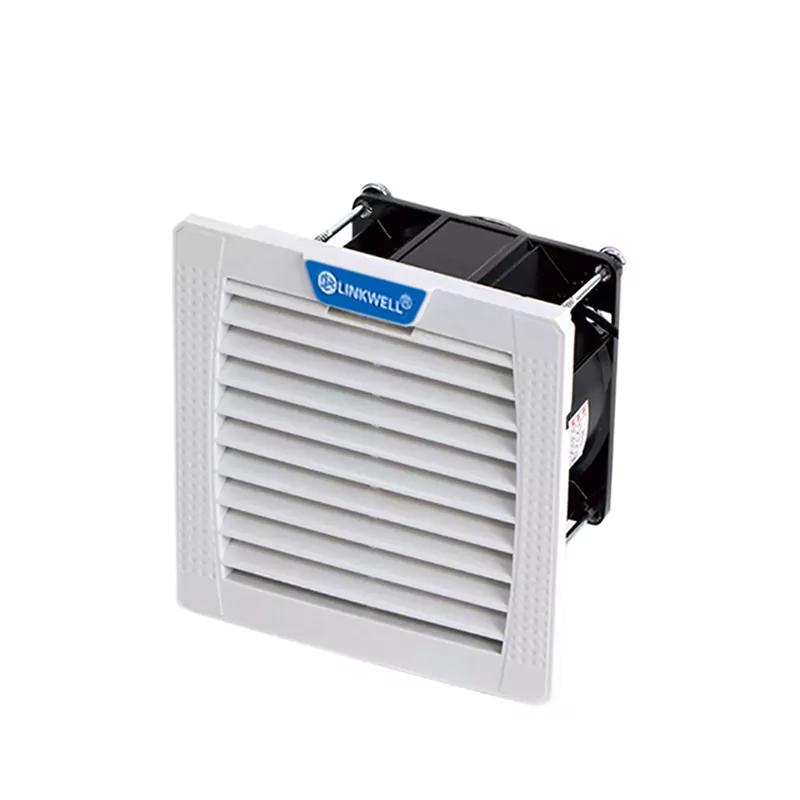
FF109 IP54/55 Electric Cabinet Ventilation Cooling Fan with Filter
-
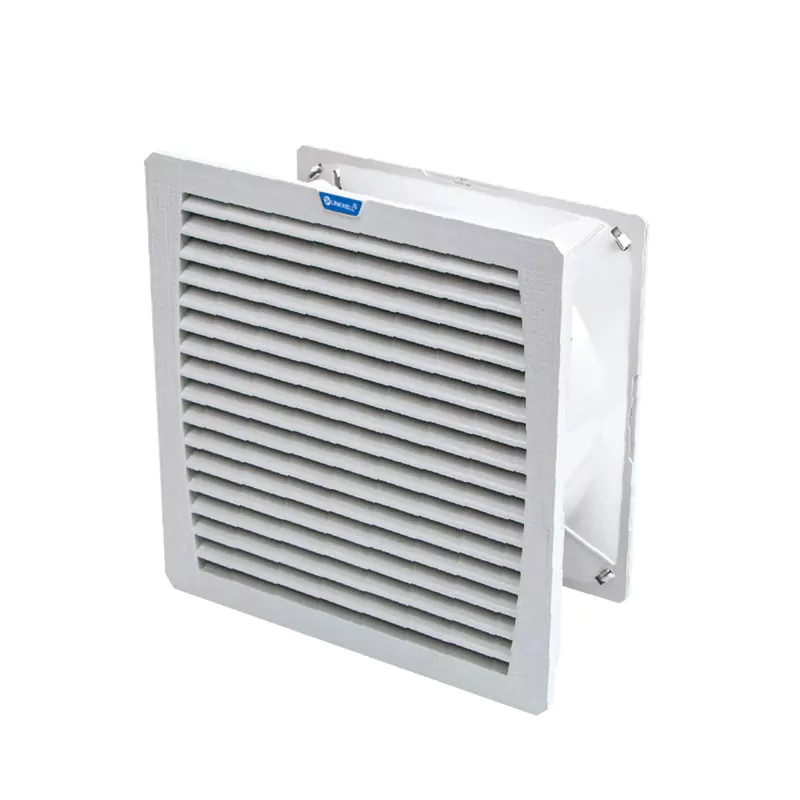
FF320 Electric box fan and filter
-

800 Btu Air Conditioner
-
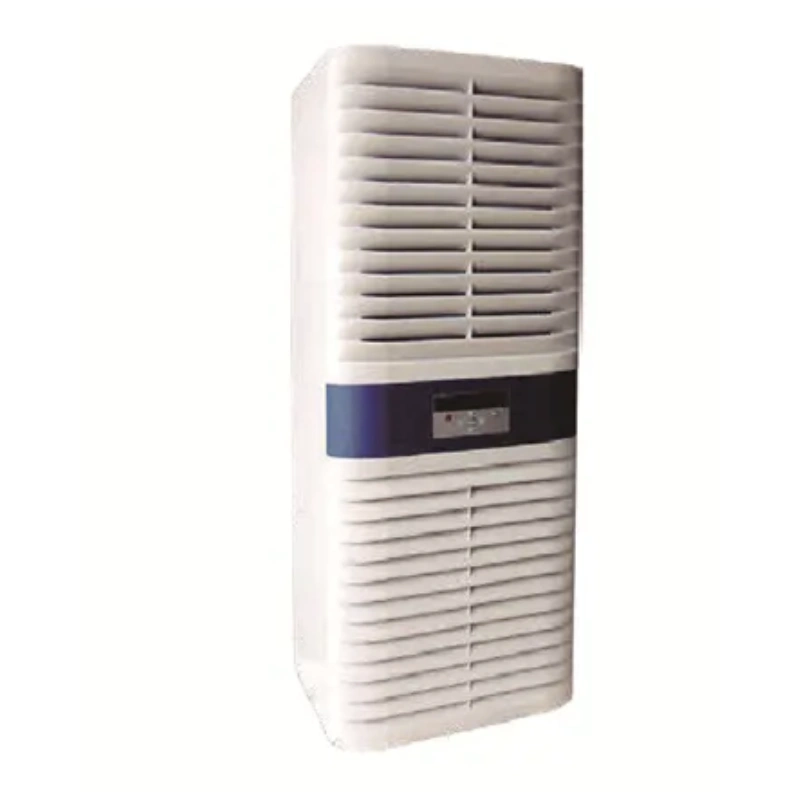
EIA Series 10/15/20 Cabinet Air Conditioner
-
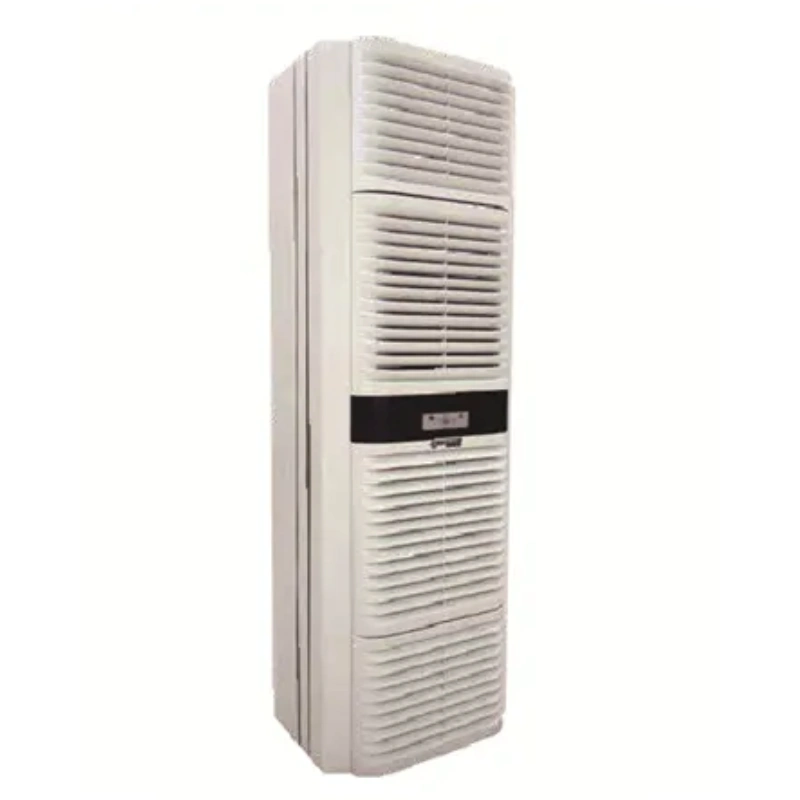
EIA Series 40 Cabinet Air Conditioner
-
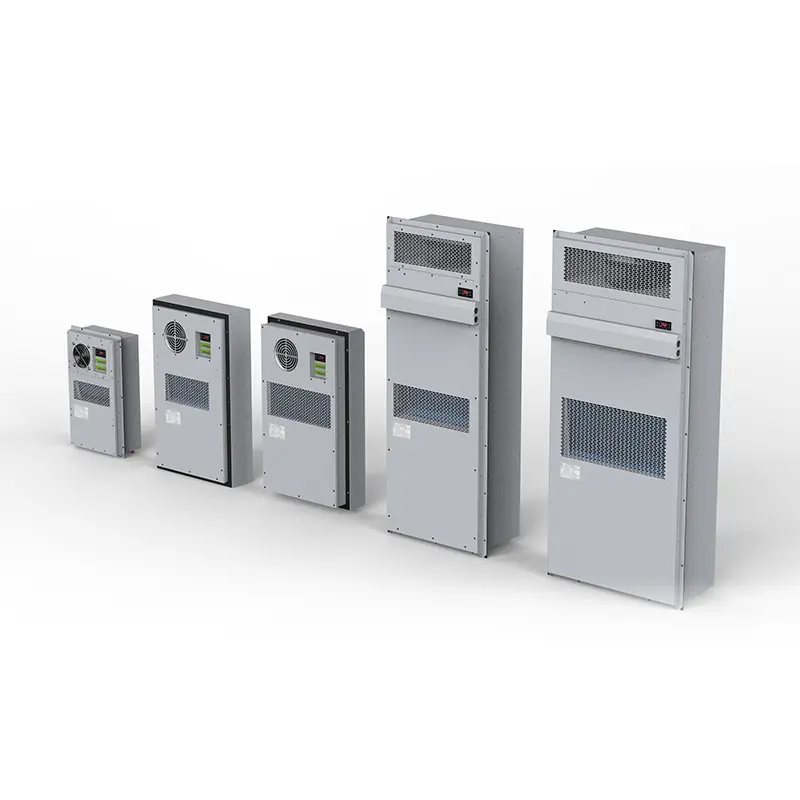
LK-AD Cabinet Air Conditioner
Heat Dissipation Calculation for Electrical Equipment
Core Formula and Units
When you want to figure out the heat dissipation calculation for electrical equipment, you start with a simple formula. You look at the power your device uses and how much of that power turns into heat. Most electrical equipment does not use all the power for work. Some of it becomes heat because of inefficiency. You need to know the efficiency rating of your device. If your equipment is 90% efficient, then 10% of the power becomes heat.
Here’s a quick way to see the main formula and units:
| Formula | Units |
|---|---|
| (1 – η) x 3.41 x Watts = BTU/hr | BTU/hr |
| Input Power (Watts) | Watts |
You use the efficiency (η) to find out how much power turns into heat. Multiply the wasted power by 3.41 to get BTU/hr. BTU/hr is a common unit for heat dissipation. You can also convert between watts and BTU/hr easily.
| Conversion Type | Formula |
|---|---|
| Watts to BTU | BTU = watts x 3.41 |
| BTU to Watts | watts = BTU x 0.293 |
Let’s say you have a device that uses 600 watts. You multiply 600 by 3.41. You get 2,046 BTUs. If you have 12,000 BTUs, you multiply by 0.293 to get 3,516 watts. These conversions help you compare different cooling systems and understand how much heat your equipment produces.
Tip: Always check the efficiency rating before you start your heat dissipation calculation for electrical equipment. It makes your results more accurate and helps you plan for proper cooling.
Key Factors Affecting Heat Dissipation
You need to think about more than just power when you do a heat dissipation calculation for electrical equipment. Several factors can change how much heat your device releases and how well it cools down.
- Enclosure Size: Bigger enclosures need stronger cooling. Small enclosures might cool naturally, but large ones trap more heat.
- Equipment Density: If you pack a lot of devices into a small space, you get more heat. You need better cooling solutions for high-density setups.
- Environmental Conditions: Dust and humidity can make cooling harder. Dust blocks airflow, and humidity can cause condensation. Both can damage your equipment.
- Size and Shape: Large surfaces let heat escape faster. Compact shapes can trap heat and slow down cooling.
- Material Selection: Materials like aluminum transfer heat better than plastic. Good heat transfer means lower temperature rise inside your enclosure.
You also need to watch the ambient temperature and humidity. High temperatures can cause a big temperature rise and lead to overheating. Humidity above 60% can break down insulation and cause corrosion. Poor airflow makes heat stay inside, raising the temperature rise even more.
- High humidity lowers insulation strength and can cause leaks.
- Excessive temperature rise leads to equipment failure.
- Keeping humidity below 60% helps prevent thermal failure and corrosion.
- High temperatures can trip safety mechanisms and damage electronics.
- Poor airflow increases the risk of heat retention and equipment damage.
Note: Understanding the thermal environment is key. You want to keep the temperature rise low and maintain safe humidity levels for your electrical equipment.
Linkwell makes heat dissipation calculation for electrical equipment easier for you. Their software uses practical values for steel, air density, and heat capacity. They even adjust for elevation. These details help you get accurate results and choose the right cooling system. Linkwell’s expertise means you can trust your thermal management plan for any industrial application.
If you want to keep your equipment safe, always pay attention to power, enclosure size, and environmental conditions. Use the right formula, check your efficiency, and choose cooling solutions that match your needs. Linkwell supports you with reliable products and smart calculations, so you can control temperature rise and protect your investment.
Thermal Heat Dissipation and Equipment Safety
Risks of Overheating
You might think a little extra heat is no big deal, but overheating can wreck your electrical equipment fast. When you ignore thermal heat dissipation, you risk more than just a hot cabinet. Overheating can cause unexpected system failures, voltage instability, and even blackouts in large regions. Take a look at how these incidents play out:
| Type of Incident | Consequence | Sector Impacted |
|---|---|---|
| Equipment Overheating | Unexpected system failures | Manufacturing, Data Centers |
| Transformer Overloading | Voltage instability | Power Grid |
| Conductor Expansion | Increased risk of faults | Power Lines |
| Substation Equipment Failure | Disrupted power flow | Substations |
| Heat-induced Blackouts | Widespread power outages | Large Regions/States |
You also face real dangers at home and work. In 2006, electrical fires caused 500 deaths and $862 million in property damage in the U.S. Poor connections, insulation breakdown, and excessive current can all lead to overheating and fires. If your equipment fails, you lose time, money, and sometimes even your reputation. Downtime in manufacturing or energy production can cost thousands and put your business at risk.
Tip: Never underestimate the impact of poor thermal management. A small problem can turn into a huge disaster if you ignore it.
Role of Linkwell Cabinet Air Conditioner
You want to keep your control panels and enclosures safe, so you need a cooling solution that works every time. Linkwell Cabinet Air Conditioners give you reliable thermal heat dissipation, even in tough environments. These units use closed-loop cooling technology, which keeps dust and outside air away from your sensitive electronics. You get IP54 and IP65 protection, so your equipment stays safe from water and dirt.
Linkwell’s smart digital controls make it easy for you to monitor and adjust temperatures. You don’t need special tools for maintenance, so you can change filters quickly and keep everything running smoothly. The top-mount fan design uses natural convection, saving energy and cutting down on noise. These air conditioners use inverter compressors and EC fans, which boost cooling performance and lower your energy bills. The condenser management system even evaporates condensed water inside, so you don’t have to worry about leaks.
- High energy efficiency and effective heat dissipation
- Reliable operation in harsh industrial settings
- Easy installation and maintenance
- Advanced temperature control for precise thermal management
If you want to protect your investment and avoid costly failures, Linkwell Cabinet Air Conditioners are the smart choice. You get peace of mind knowing your equipment is safe, cool, and ready to perform.
Step-by-Step Guide to Heat Dissipation

Identify Heat Sources
Start by looking inside your electrical enclosure. You want to spot every device that generates heat. Here’s a simple way to do it:
- List all internal heat sources. These include power supplies, transformers, relays, contactors, and VFDs. Each of these devices adds to your total heat load.
- Check for external heat sources. Sunlight, nearby machines, or high ambient temperatures can raise the enclosure’s temperature.
- Add up the heat load. Use manufacturer data sheets to find out how much heat each device produces. Don’t forget to include the impact of external conditions.
| Component | Role in Heat Generation |
|---|---|
| Relays | Control low-current-switching functions like fans and lights |
| Contactors | Handle large voltage loads for motors and heating systems |
| Transformers | Change voltage levels and generate heat during operation |
Tip: Electrical components in control panels can get hot fast. If you ignore the heat load, you risk damaging your equipment.
Gather Data (Power, Enclosure, Environment)
Now, collect the data you need for an accurate calculation. Here’s what you should focus on:
- Find the total power consumption of all your equipment. This gives you the main part of your heat load.
- Measure the enclosure’s dimensions. You need height, width, and depth to calculate surface area and airflow.
- Monitor environmental conditions. Track the temperature and humidity around your enclosure. The ideal temperature range is 18°C to 27°C, with a dew point between 5.5°C and 15°C.
- Use historical weather data if your enclosure sits outdoors. This helps you estimate the heat load from changing conditions.
Note: Good airflow and proper enclosure size help you manage the heat load more effectively.
Apply the Calculation
You’re ready to crunch the numbers. Follow these steps:
- Calculate the surface area of your enclosure:
Total Surface Area = 2(H x W) + 2(H x D) + 2(W x D) - Add up the heat load from all components. Use the values from the manufacturer’s data sheets.
- Factor in extra heat from sunlight, insulation, and enclosure color.
- Apply the heat dissipation formula to get your final number.
For example, if you have a control panel with several relays and transformers, sum their heat output, add any external heat load, and use the formula to see if your current cooling setup is enough.
Tip: Use Linkwell Electrical Enclosure Fans and ventilation products to boost airflow. Place fans in cooler airflow zones, use slanted louvre vents, and keep vents clear. For larger enclosures, install exhausting fans to remove hot air and prevent condensation. Linkwell’s outdoor enclosures come with pre-mounted fans and vents, making setup easy.
Optimizing Heat Dissipation with Linkwell Solutions
| Scenario | Recommended Solution | Reason |
|---|---|---|
| Heat load < 500 BTU/hr | Filter fan | Cost-effective, simple maintenance |
| Heat load 500–2,000 BTU/hr | Fan + ventilation | Adequate for moderate heat with air exchange |
| Heat load > 2,000 BTU/hr | Cabinet air conditioner | Enclosure sealed, protects against dust/humidity |
| Dusty / humid / corrosive environment | Cabinet air conditioner | Prevents contaminants from entering enclosure |
| Outdoor / extreme ambient temperature | Air conditioner with heater | Maintains stable internal temperature |
Heat Dissipation Calculation in Electrical Enclosures
You want your electrical enclosure to stay cool and safe, right? Linkwell makes it easy for you to figure out the best way to manage thermal dissipation. Start by calculating the surface area of your enclosure. Divide the total heat produced by the surface area to get watts per square foot. Use this number to check temperature rise on a graph. For example, if your enclosure has a surface area of 42 square feet and a heat load of 300 watts, you get about 7.1 watts per square foot. That means your temperature could rise by 30°F. This method helps you match your cooling capacity to your real needs.
Tip: Always check your enclosure design and materials. Adding heat sinks, copper pipes, or thermal pads can boost thermal dissipation by up to 95%. That’s a huge difference for your equipment’s safety.
| Design Type | Heat Dissipation Efficiency |
|---|---|
| No heat sink | Baseline |
| Heat sink only | 12.6% higher |
| Heat sink + copper pipe + thermal pads | 95.8% higher |
Electrical Enclosure Fan Applications
You see fans everywhere in industrial settings. Linkwell fans play a key role in cooling capacity for control cabinets, telecom boxes, and automation panels. These fans use forced air convection to push hot air out and pull cool air in. You get clear airflow paths and low static pressure, so heat doesn’t build up. The motors and blades are energy-efficient, saving you money while keeping your equipment cool. Weatherproof housing protects the fans from dust and moisture, so you can trust them in tough environments.
- Forced air convection keeps temperatures low.
- Optimized blades and motors reduce power use.
- Weatherproof design ensures reliable operation.
Electrical Enclosure Ventilation Benefits
You want more than just fans for thermal dissipation. Linkwell ventilation systems give you extra protection. They let cool air in and push hot air out, stopping overheating and keeping your equipment running smoothly. Good airflow also controls moisture, so you don’t get condensation inside your enclosure. Vents balance pressure, protecting seals and keeping your enclosure strong.
| Benefit | Description |
|---|---|
| Heat Dissipation | Cooler air enters, hot air exits, preventing overheating. |
| Moisture and Condensation Control | Airflow lowers humidity, reducing condensation risks. |
| Pressure Equalization | Vents balance pressure, protecting seals and enclosure integrity. |
Linkwell products come with high IP ratings like IP66 and IP67. That means your enclosure stays dust-tight and safe from water jets or even temporary submersion. You can wire fans and ventilation systems with thermostats or hygrostats for automatic control. This makes it easy to keep your cooling capacity right where you need it.
Note: Linkwell enclosures meet international standards, so you know your system is protected and reliable.
You now know the essentials for calculating heat dissipation and why it matters for your equipment’s safety. Here’s a quick recap:
| Key Factor | Description |
|---|---|
| Efficiency | Impacts how much heat your equipment generates. |
| Usage | Different devices and patterns affect heat load. |
| Input Power | Not all power turns into heat—check efficiency. |
Linkwell’s cooling fans and ventilation systems help you keep things cool, extend equipment life, and boost system efficiency.
- You get custom solutions, real-time support, and proven reliability.
- As James Peterson says, “The airflow is strong and consistent, even during peak summer heat.”
Reach out to Linkwell for expert help with your next project!
How to Choose Cooling Based on Heat Dissipation
Content:
| Heat Load | Recommended Cooling Solution |
|---|---|
| <100W | Natural ventilation |
| 100–500W | Filter fan |
| 500–1500W | Forced ventilation |
| >1500W | Cabinet air conditioner |
FAQ
How do I know if my enclosure needs extra cooling?
If your enclosure feels hot to the touch or you notice frequent equipment shutdowns, you probably need more cooling. Use a thermometer to check the temperature. If it goes above 27°C (80°F), consider adding fans or an air conditioner.
What’s the difference between a fan and an air conditioner for enclosures?
A fan moves air and helps lower temperatures by improving airflow. An air conditioner cools the air inside the enclosure and keeps humidity low. Choose a fan for mild heat. Pick an air conditioner for high heat or outdoor setups.
Can I install Linkwell fans and vents myself?
Yes, you can! Linkwell fans and vents come with easy-to-follow instructions. Most units fit standard cutouts. You only need basic tools. If you have questions, Linkwell’s support team is ready to help you.
How often should I clean or replace filters in my enclosure?
You should check filters every month. Clean or replace them every 3–6 months. Dust and dirt block airflow and raise temperatures. Regular maintenance keeps your equipment safe and running smoothly.
Do Linkwell cooling products work in outdoor or harsh environments?
Absolutely! Linkwell cooling products have high IP ratings like IP54 and IP65. They resist dust, water, and tough weather. You can use them indoors or outdoors. Your equipment stays protected all year round.


